
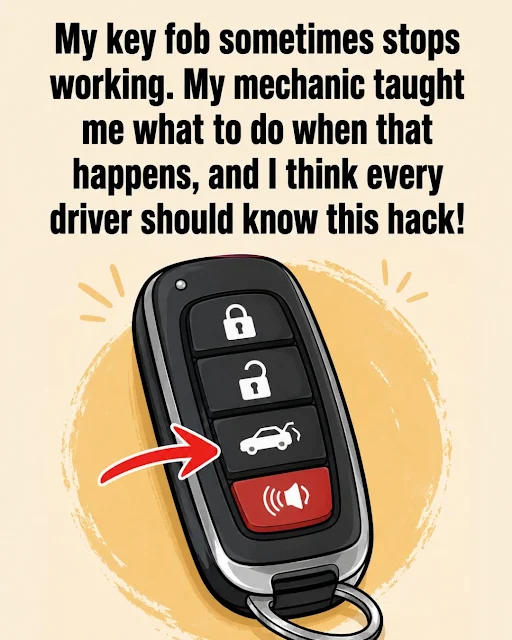
A Calm, Step-by-Step Guide to Regaining Control When Technology Lets You Down
Oh, my dear friend, I know exactly that feeling of being let down by technology when you least expect it. It happened to me just last weekend. I had wrapped up a long, relaxing day with friends, only to find that my car, my trusty companion, refused to acknowledge the existence of my key fob.
At first, I thought, "No big deal, it probably just needs a little nudge." I tried pressing the buttons harder, then softer, then in a slightly different way—as if my key fob had developed a sudden preference for how it was treated. But nope, nothing. My car sat there, stubbornly refusing to open.
But here's the good news: a dead or unresponsive key fob doesn't actually mean you're stranded. Automotive engineers know that technology can fail, which is why almost every modern vehicle is equipped with analog backup systems and clever workarounds.
Let's walk through the most effective, science-backed hacks to get you back in your car and on your way—with confidence, not panic.
Step 1: The Key Fob Battery Hack
The most common reason a key fob stops working is simply a dead battery. But even with a dead battery, your key fob still has a little bit of power left that can be used to communicate with your car.
The "Signal Boost" Trick
Some key fobs have a small LED light that flickers when you press a button. If it's very dim or not lighting up, the battery is likely dead. However, the fob may still have enough residual charge to unlock the door if you hold it directly against the car door handle or near the sensor. This works because the signal is strongest when it's closest to the receiver.
The Hidden Key
Most modern key fobs contain a physical key hidden inside. This is a lifesaver for getting into the car when the fob is dead.
-
Locate the release: Look for a small button or switch on the side or back of your fob.
-
Slide or pull: Slide the release and pull out the physical key.
-
Unlock the door: Insert the key into the driver's side door lock and turn it to unlock the door.
Step 2: The Start Button Trick
Once you're inside the car, you might find that the car won't start because it doesn't detect the key fob. There are a few clever workarounds for this.
The "Fob-to-Start" Button
Many cars have a designated spot where you can press the key fob against the start button itself.
-
Look for a symbol: Check the start button for a small symbol that looks like a key or an antenna.
-
Press the fob against it: Hold the key fob directly against the start button and press it with the fob. This allows the car to read the fob's chip through physical contact, bypassing the need for a wireless signal.
